
Microsoft.PowerShell.PSResourceGet 1.2.0-rc3 released

Hi All,
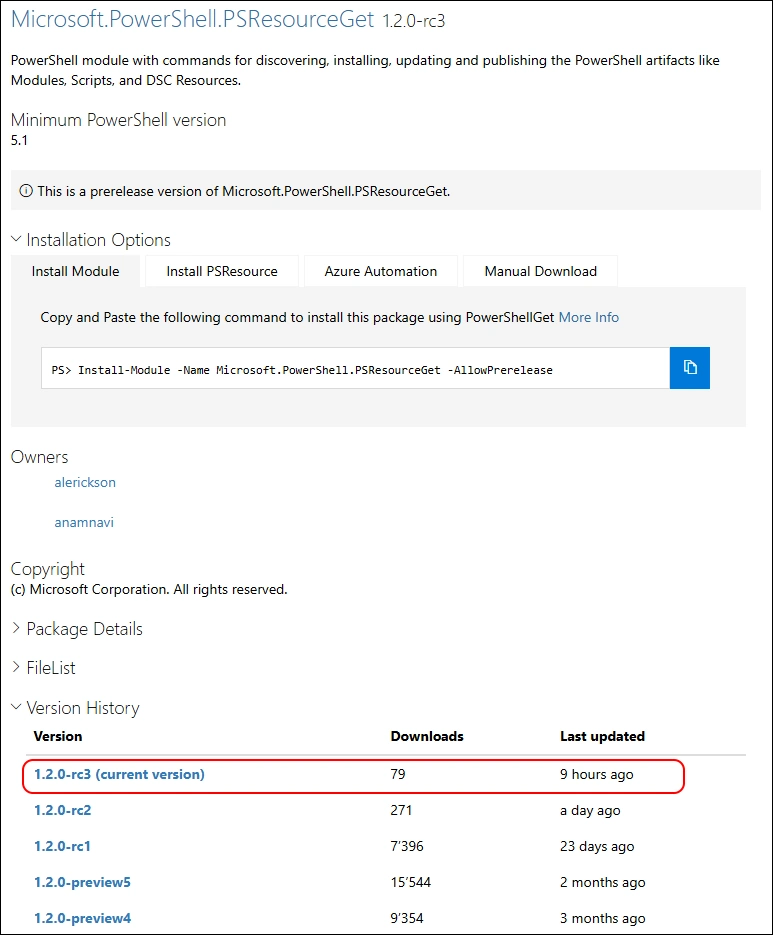
A few hours ago, Microsoft has released the rc3 of the Microsoft.PowerShell.PSResourceGet PowerShell Module.
- Powershell Gallery Microsoft.PowerShell.PSResourceGet 1.2.0-rc3
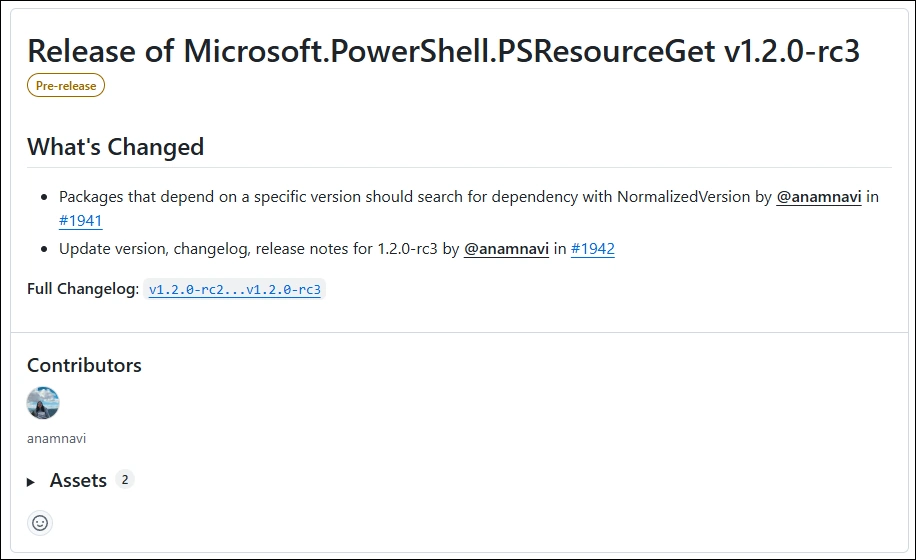
You can check the Release Notes
PowerShell 5
Check the Module Path
$Env:PSModulePath.Split(";")

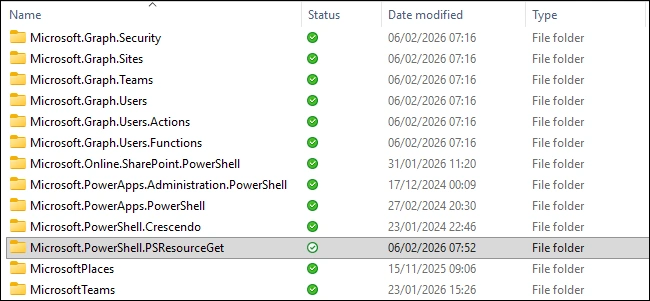
I’ve simply deleted the Microsoft.PowerShell.PSResourceGet Folder in Windows Explorer - because there is no “Scope” Parameter in the Uninstall-Module command
Installing the PSResourceGet with Install-Module
Install-Module -Name Microsoft.PowerShell.PSResourceGet -Scope CurrentUser -AllowPrerelease -Force
Get-InstalledPSResource -Name Microsoft.PowerShell.PSResourceGet -Scope CurrentUser

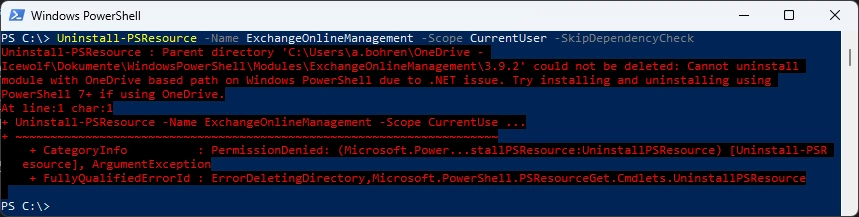
Uninstalling a Module under PowerShell 5 still fails - like in Preview4
Uninstall-PSResource -Name ExchangeOnlineManagement -Scope CurrentUser
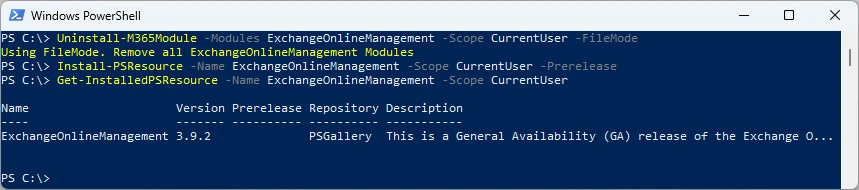
Uninstall the Module with M365PSProfile
Uninstall-M365Module -Modules ExchangeOnlineManagement -Scope CurrentUser -FileMode
Install-PSResource -Name ExchangeOnlineManagement -Scope CurrentUser -Prerelease
Get-InstalledPSResource -Name ExchangeOnlineManagement -Scope CurrentUser
PowerShell 7
Check the Module Path and delete the Microsoft.PowerShell.PSResourceGet Folder in Windows Explorer
$Env:PSModulePath.Split(";")

Installing the PSResourceGet with Install-Module
Install-Module -Name Microsoft.PowerShell.PSResourceGet -Scope CurrentUser -AllowPrerelease -Force
Get-InstalledPSResource -Name Microsoft.PowerShell.PSResourceGet -Scope CurrentUser

Uninstall and Install works fine in PowerShell 7
Uninstall-PSResource -Name ExchangeOnlineManagement -Scope CurrentUser -SkipDependencyCheck
Install-PSResource -Name ExchangeOnlineManagement -Scope CurrentUser
Get-InstalledPSResource -Name ExchangeOnlineManagement -Scope CurrentUser

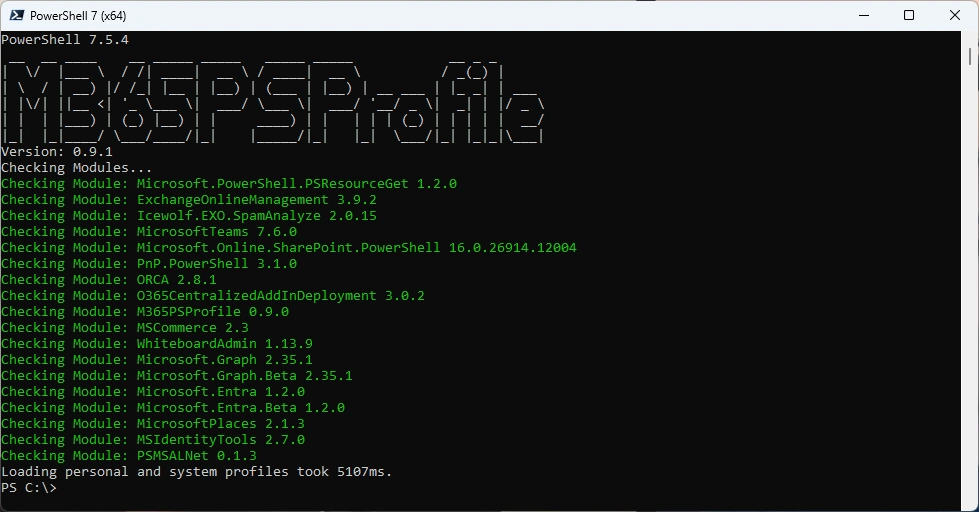
Or you can simply use my M365PSProfile Module - find the Documentation here: GitHub Documentation
Regards
Andres Bohren
PowerShell Logo