
PSScriptAnalyzer 1.25.0 has been released

Hi All,
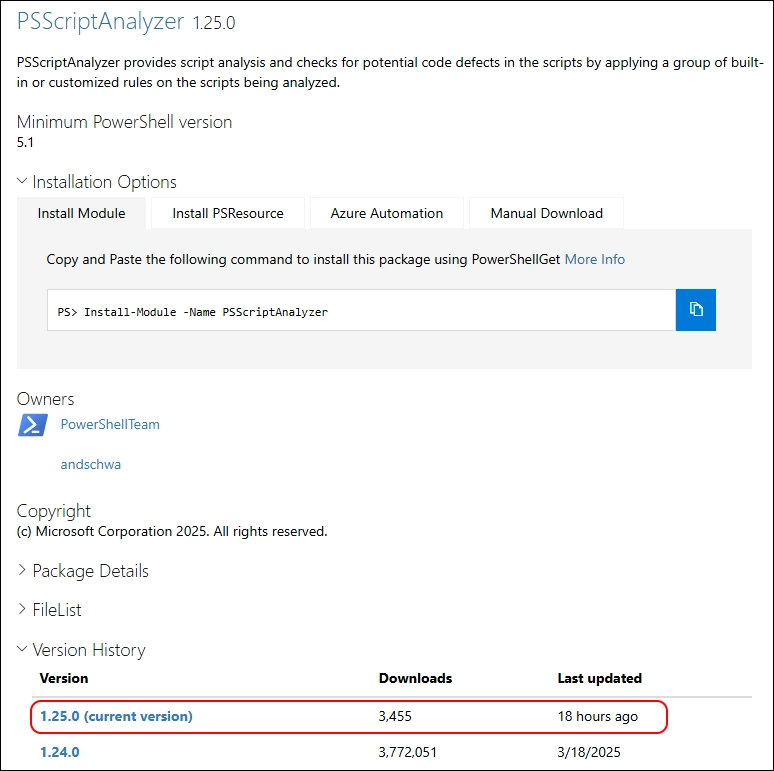
Today i noticed, that there is a new Release of PSScriptAnalyzer in the PowerShell Gallery
- PSGallery PSScriptAnalyzer 1.25.0
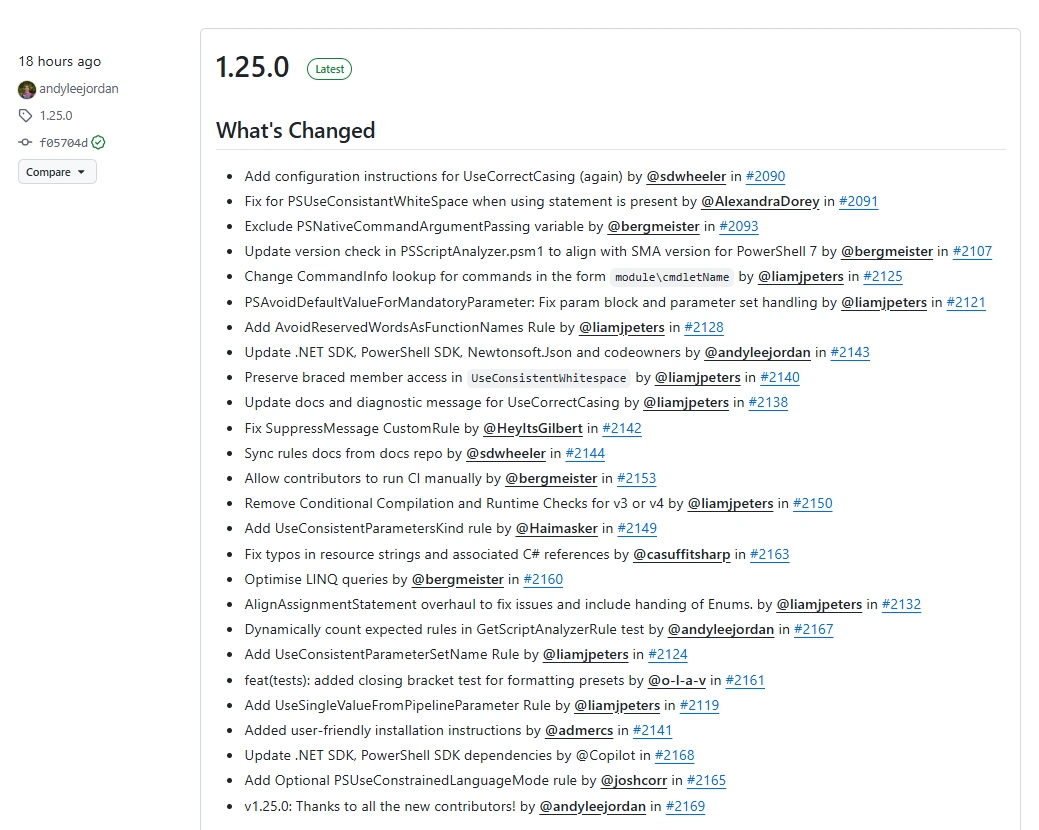
- GitHub Release Notes
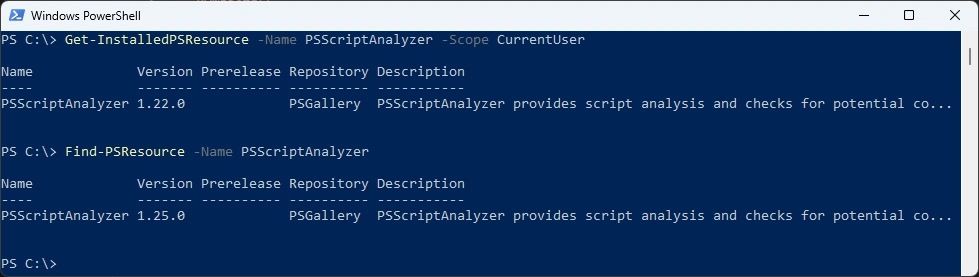
Check what Version is installed and what is available from the PowerShell Gallery
Get-InstalledPSResource -Name PSScriptAnalyzer -Scope CurrentUser
Find-PSResource -Name PSScriptAnalyzer
Uninstall Module
Uninstall-PSResource -Name PSScriptAnalyzer -Scope CurrentUser
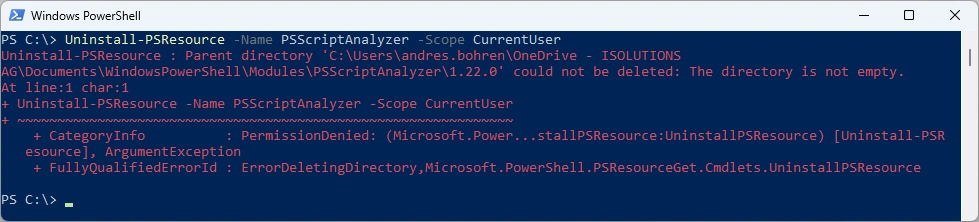
In the last few months i’ve noticed that uninstalling some Modules seems to have Problems. Might be it’s related to the CurrentUser Scope that is redirected to OneDrive. Anyone else seeing this?
I’ve updated the M365PSProfile PowerShell Module and the Uninstall-M365Module Function with the Parameter -FileMode. It will delete the Module Folder of that Module.
Uninstall-M365Module -Modules PSScriptAnalyzer -Scope CurrentUser -FileMode

Install the current Module from the PowerShell Gallery
Install-PSResource -Name PSScriptAnalyzer -Scope CurrentUser
Get-InstalledPSResource -Name PSScriptAnalyzer -Scope CurrentUser

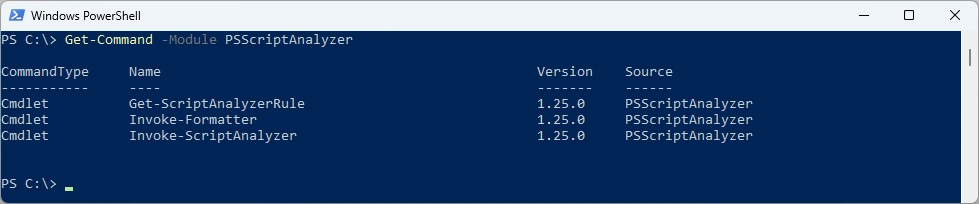
List Commands of the Module
Get-Command -Module PSScriptAnalyzer
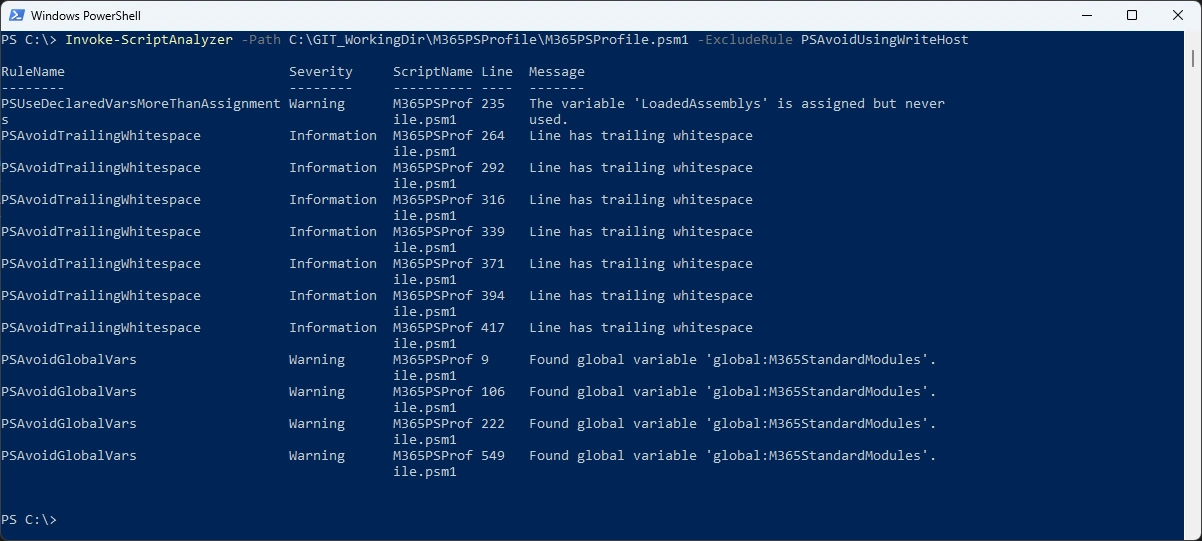
Run ScriptAnalyzer - seems like i need to fix some minor issues
Invoke-ScriptAnalyzer -Path C:\GIT_WorkingDir\M365PSProfile\M365PSProfile.psm1 -ExcludeRule PSAvoidUsingWriteHost
Regards
Andres Bohren
PowerShell Logo